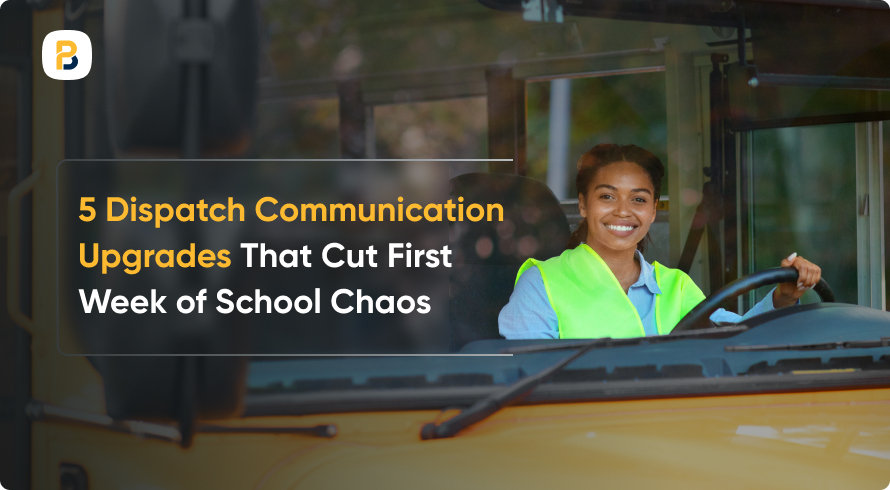
New routes, schedule adjustments, driver swaps, and questions from families all arrive in the same few days, and every one of them creates an update that has to reach a dispatcher, a driver, a school, or a parent. When those updates live across radios, phone calls, emails, and a separate messaging app, two people can easily end up acting on two different versions of the same route.
The five upgrades below address the breakdowns we hear about most in week one, from dispatch messages scattered across channels to families who can’t get a straight answer about a route change. All five build on what you already have in place.
1. Consolidate Fragmented Messaging Into One Dispatch Channel

Spreading updates across radios, calls, and texts makes it hard to track what’s already gone out and what’s still waiting on someone, so the first upgrade is simply putting operational messaging in one place.
- Unified Dispatcher View: School bus dispatch software keeps route status, vehicle assignments, and active updates on one screen, which saves dispatchers the time they’d otherwise spend rebuilding the picture from three separate tools every time a parent calls.
- Role-Based Access to Information: A driver, a supervisor, and a dispatcher each need a different slice of the same information. Setting access by role gives everyone the updates that apply to their job and keeps the rest out of the way.
- Documented Communication History: Once operational messages are logged, your team has something to check when a question comes up about what was sent, when it went out, and who still owes a follow-up.
2. Automate Parent Alerts During Route Changes
A single delayed bus can generate a run of phone calls that lands on dispatch while they’re already working the delay itself. Automating that first message means most families have their answer before they think to pick up the phone.
Three triggers worth setting up before day one:
- Delay Threshold Notifications: Setting an automatic alert when a bus is running beyond a defined number of minutes can keep parents informed without requiring a dispatcher to send each update manually. Families get timely information about delays and service changes, which is one of the ways clear communication strengthens a transportation operation.
- Boarding and Exit Confirmations: Families may want confirmation that their child boarded or exited the bus as expected. Where districts use student ridership tools, scan-based notifications can provide that information automatically.
- Route Change Broadcasts: When a route is modified on short notice, a broadcast can send the same update to all affected families at once rather than requiring individual outreach.
3. Equip Drivers With Digital Route Sheets & Rosters
A printed route sheet is accurate until the first late enrollment or stop correction of the morning. Moving that paper into a driver app keeps the roster and stop list matched to the route as it stands that day, and it gives dispatch another channel for getting a change into the driver’s hands mid-run.
- Live Updates: Add a student or move a stop and the driver’s list reflects it, with no reprint and no phone call to explain the edit. That also keeps the passenger manifest current if you need an accurate list for a headcount or an emergency.
- Turn-By-Turn Guidance for the Day’s Run: A driver covering unfamiliar territory follows the actual stop sequence for that specific run, which matters most for substitutes and new hires.
- Two-Way Driver-to-Dispatch Messaging: Drivers get a direct line to report a blocked road or a missed stop, so dispatch hears about it from the road while there’s still time to do something.
4. Build a Substitute Driver Communication Protocol

Due to driver shortages, substitute coverage is a regular part of first-week dispatch. A substitute who starts a run with current route information and a clear way to reach dispatch has a far easier time stepping into an unfamiliar assignment, and the standard advice for substitute drivers says much the same thing: have the route directions in hand, and check with dispatch or a supervisor about anything that’s changed.
- Prepare Route Sheets for Substitutes: Make sure substitute drivers have an up-to-date route sheet with the stop sequence, route directions, and relevant route hazards or instructions before beginning the run.
- Set a Direct Channel for Substitutes: Substitutes need a clearly established way to reach dispatch during the run. Deciding on that channel ahead of time means nobody spends a route wondering where to send a question about a stop, and dispatch hears about problems while there’s still time to help.
- Notify Families of Relevant Changes: When a driver change affects something families need to know, share it through the channels your district already uses.
5. Improve Dispatch Visibility With GPS Data
GPS data can give dispatchers a clearer view of what is happening on the road during the first week of school. The value comes from connecting that visibility with the way teams respond to delays, route changes, and substitute assignments, rather than treating vehicle location as a separate source of information.
- Real-Time Position Monitoring With Alert Thresholds: GPS tools with configurable alerts can flag events that may need attention, such as a vehicle remaining in one location longer than expected or moving away from its planned route. This gives dispatch another way to identify situations that may require follow-up.
- GPS Data Feeding Parent Notifications: Live vehicle information can also support more timely updates for families. Real-time school bus tracking can provide route, stop, and vehicle-position information that can be used alongside parent communication tools. BusPlanner’s GPS+ platform, for example, supports real-time route and stop visibility as well as planned-versus-actual schedule information.
- Synced Dispatch and GPS for Substitute Coverage: When a substitute takes over a route, keeping the vehicle and route assignment current across dispatch and GPS systems helps dispatchers know which vehicle is operating that run and which information they should be monitoring.
Looking Ahead
The first week of school will always bring some unpredictability. New students, routes, drivers, and schedules can all create more information for transportation teams to manage at the same time.
The goal of these dispatch communication upgrades is not to eliminate every first-week challenge. It is to make information easier to share and act on when plans change. A clearer dispatch workflow, timely family updates, current driver information, a defined process for substitutes, and better use of GPS data can each strengthen communication during a busy start to the school year.
Frequently Asked Questions
Q1. What dispatch communication upgrades can help during the first week of school?
Useful upgrades can include bringing operational messages into a more consistent dispatch workflow, sending timely parent alerts, and giving drivers access to current route and student information. Substitute driver communication and GPS visibility can also help teams keep information moving between dispatch and the road when routes, drivers, or schedules change.
Q2. How should transportation teams prepare for substitute drivers during back-to-school week?
Having route information ready before a substitute begins a run can make an unfamiliar assignment easier to navigate. A substitute driver communication protocol can include current stop and route information, a clear way to contact dispatch, and a process for communicating relevant driver or route changes to families.
Q3. What role can a student transportation platform play during the first week of school?
A student transportation platform can bring information from routing, dispatch, GPS, driver communication, and parent communication into a more connected workflow. During the first week, having current route and vehicle information accessible across these functions can make it easier for teams to share updates when routes, schedules, or driver assignments change.